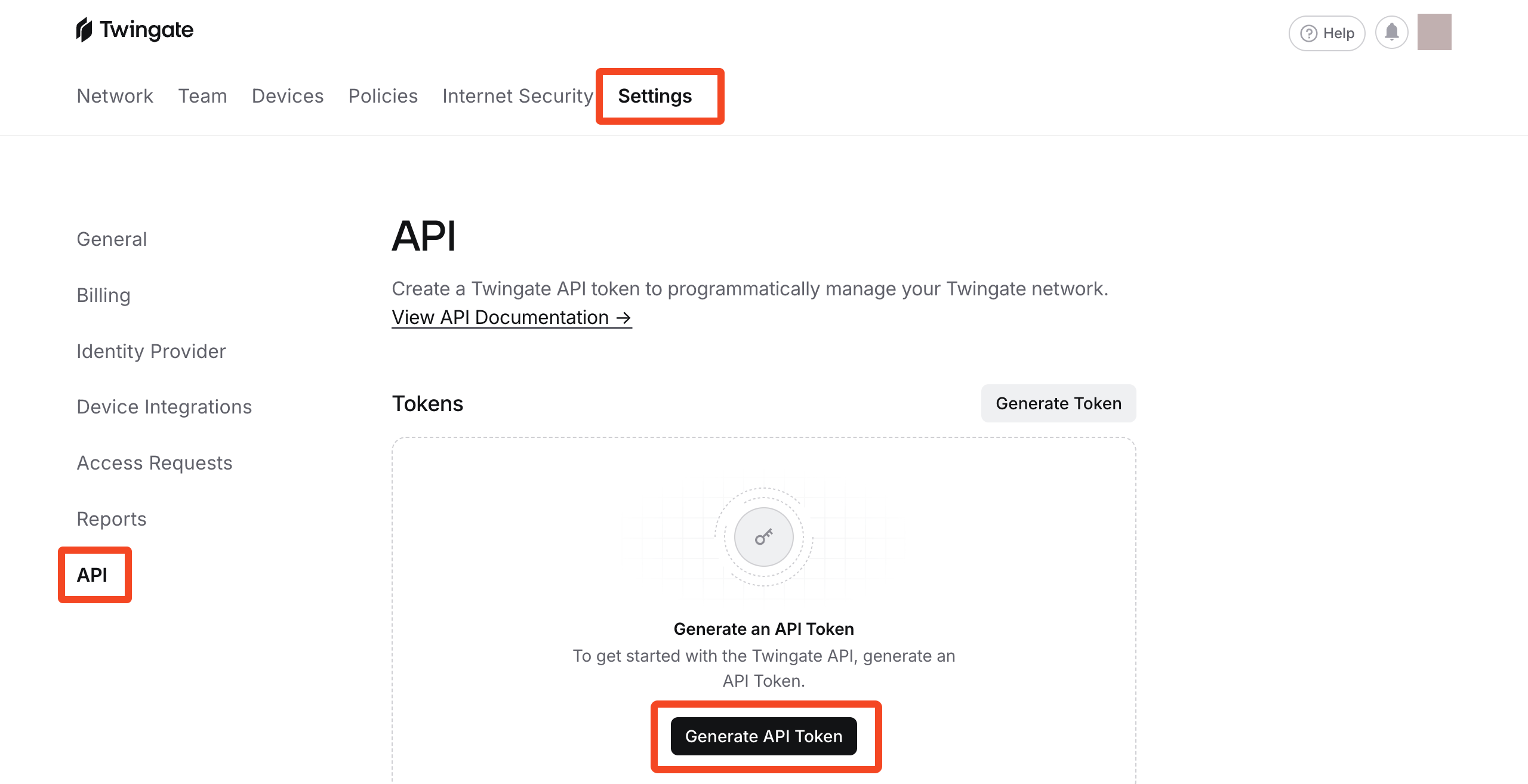
Go to Settings > API and click Generate API Token:
Enter a label (for example ‘SaaS Manager’) and choose Read only as the Permission Level.
Copy the token to the clipboard and Close the dialog.
Was this article helpful?
Glad to hear it! If you have anything you'd like to add, feel free to contact us.
Sorry to hear that. Please contact us if you'd like to provide more details.