Log in to TalentLMS and go to the administrator dashboard.
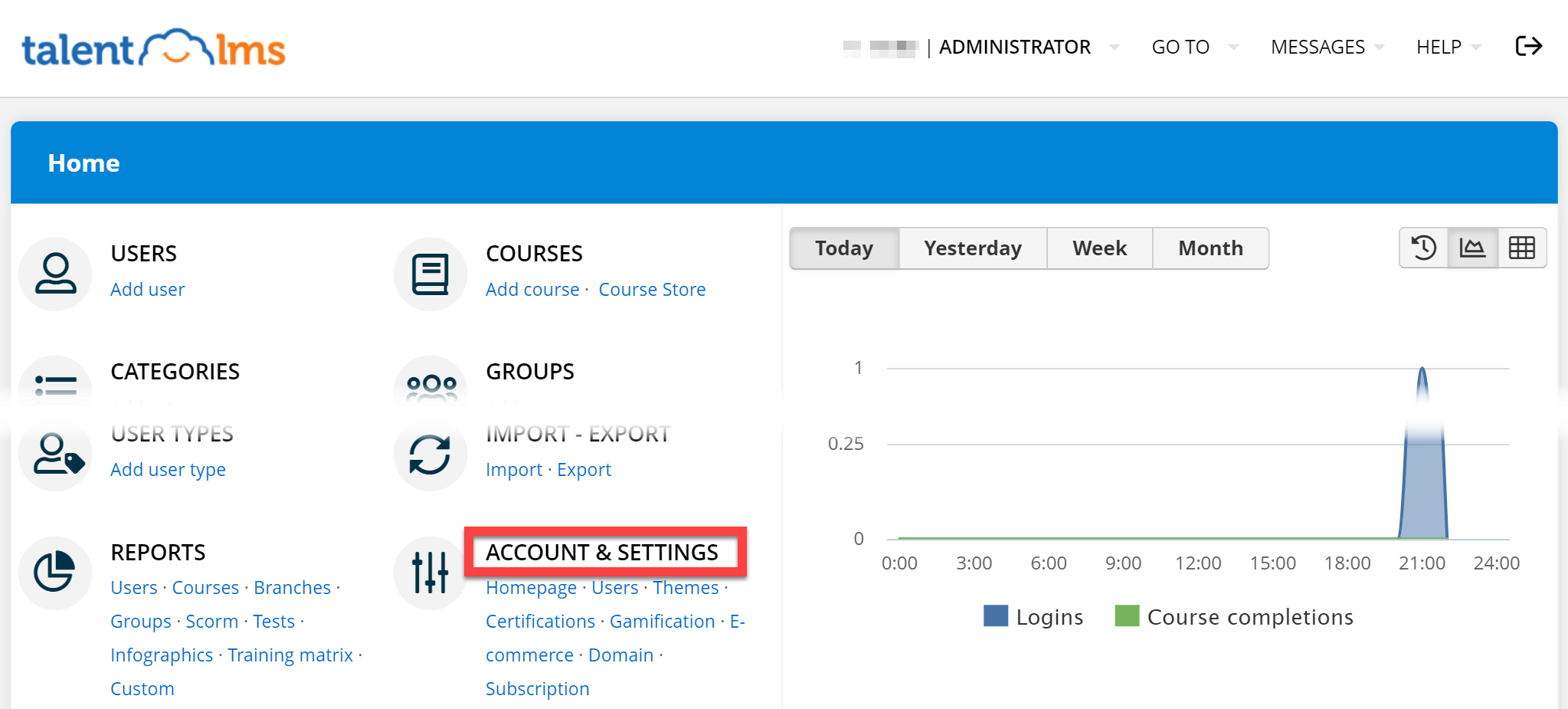
Click Account & Settings:
Under the Basic Settings tab, make sure that Enable API is checked, and cut and paste the access token to use in 1Password SaaS Manager.
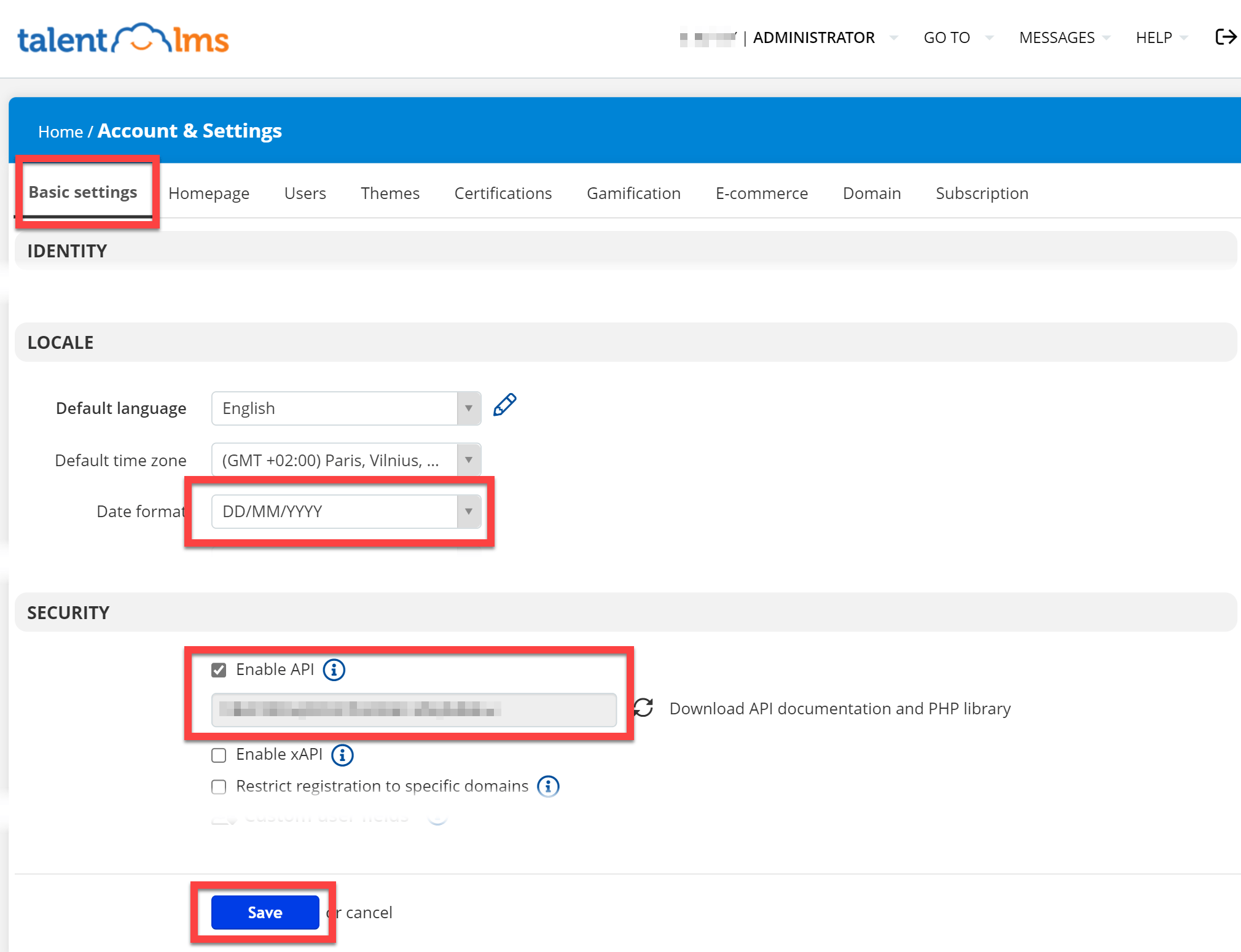
When you are done, don’t forget to click Save.
Important
The TalentLMS API doesn’t return last login data.
You can however export user data from TalentLMS and import it into SaaS Manager.
If you do this then you must make sure that the dates are in the YYYY/MM/DD date format by setting the Date format setting in the Locale section.
Was this article helpful?
Glad to hear it! If you have anything you'd like to add, feel free to contact us.
Sorry to hear that. Please contact us if you'd like to provide more details.