Login to MaaS360 and go to SETUP > Web Services API > Manage Access Keys
Note
If you cannot see this menu option, contact the IBM support team and request that they enable API access.
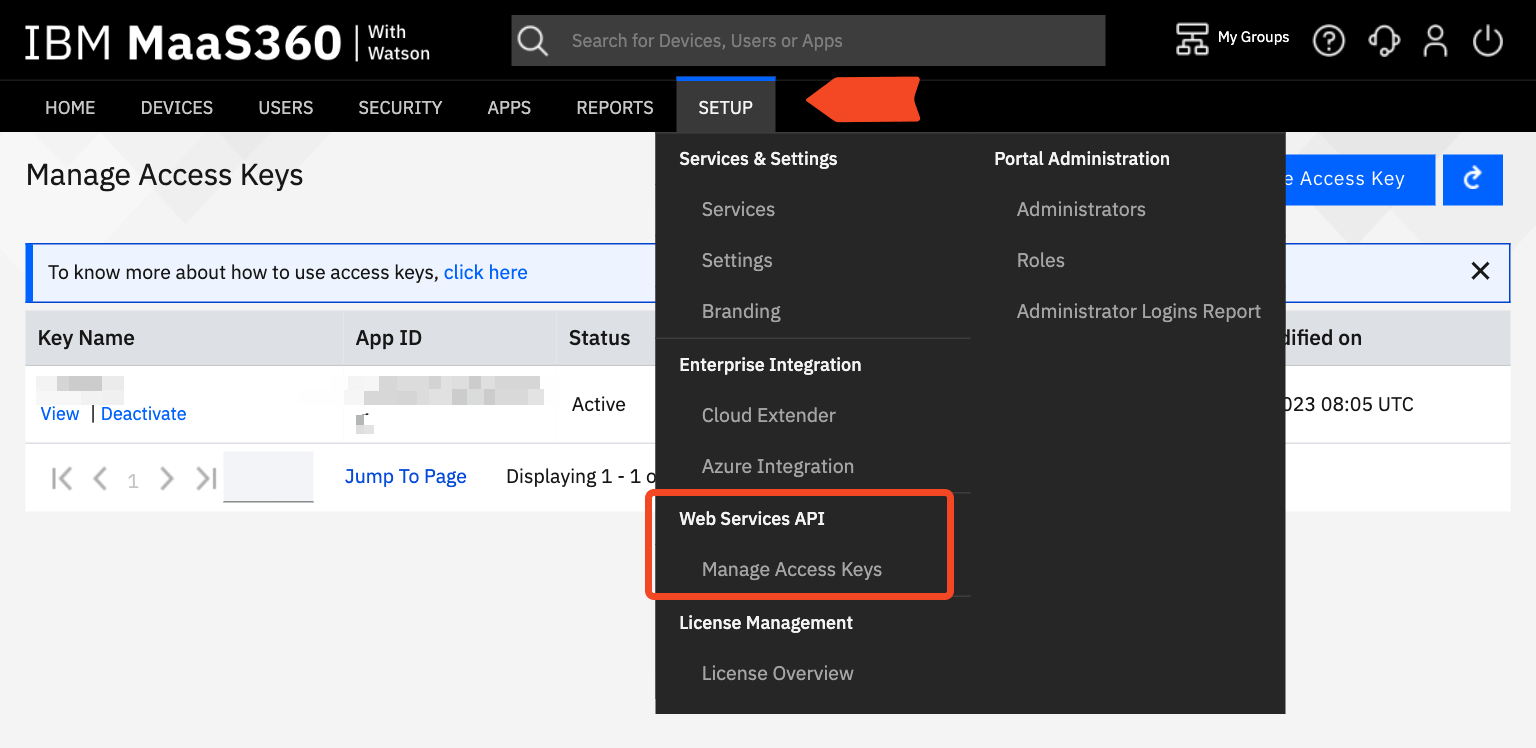
Click Generate Access Key.
Choose MaaS360 Web Services as the type, and enter in a key name, for example “SaaS Manager”. Then select Generate.
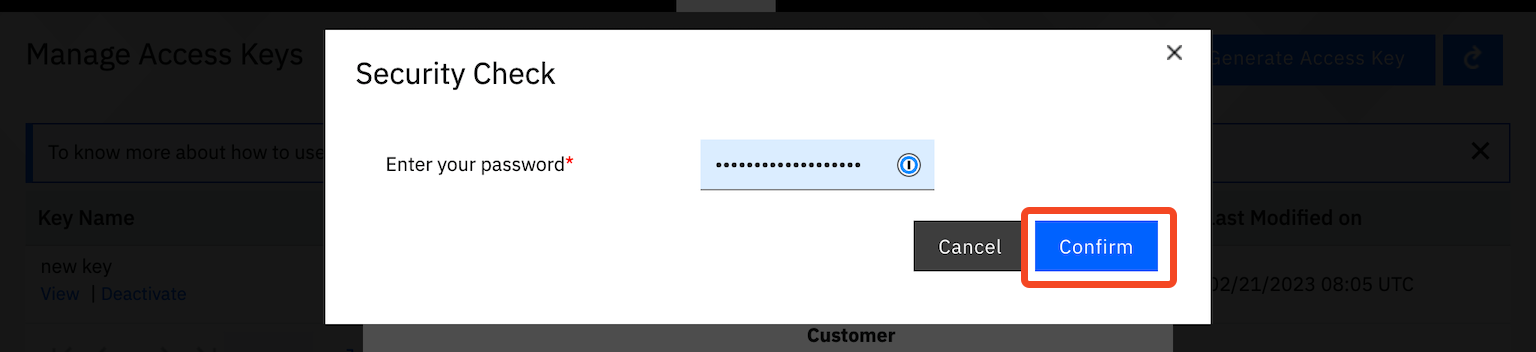
You will be asked to authenticate.
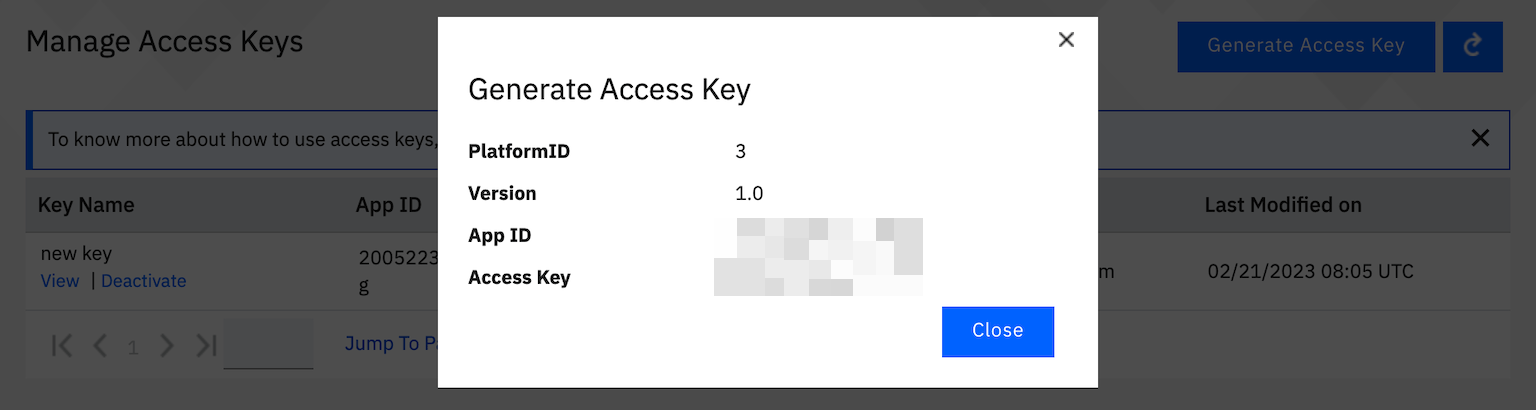
The access key details will be shown. You will need to copy and paste these into SaaS Manager when you connect.
The other piece of information you will require when connecting is your Account ID (sometimes referred to by MaaS360 as your Billing ID).
This is visible in the footer at the bottom of the web-page.

Was this article helpful?
Glad to hear it! If you have anything you'd like to add, feel free to contact us.
Sorry to hear that. Please contact us if you'd like to provide more details.