Go to https://developer.domo.com and click LOG IN

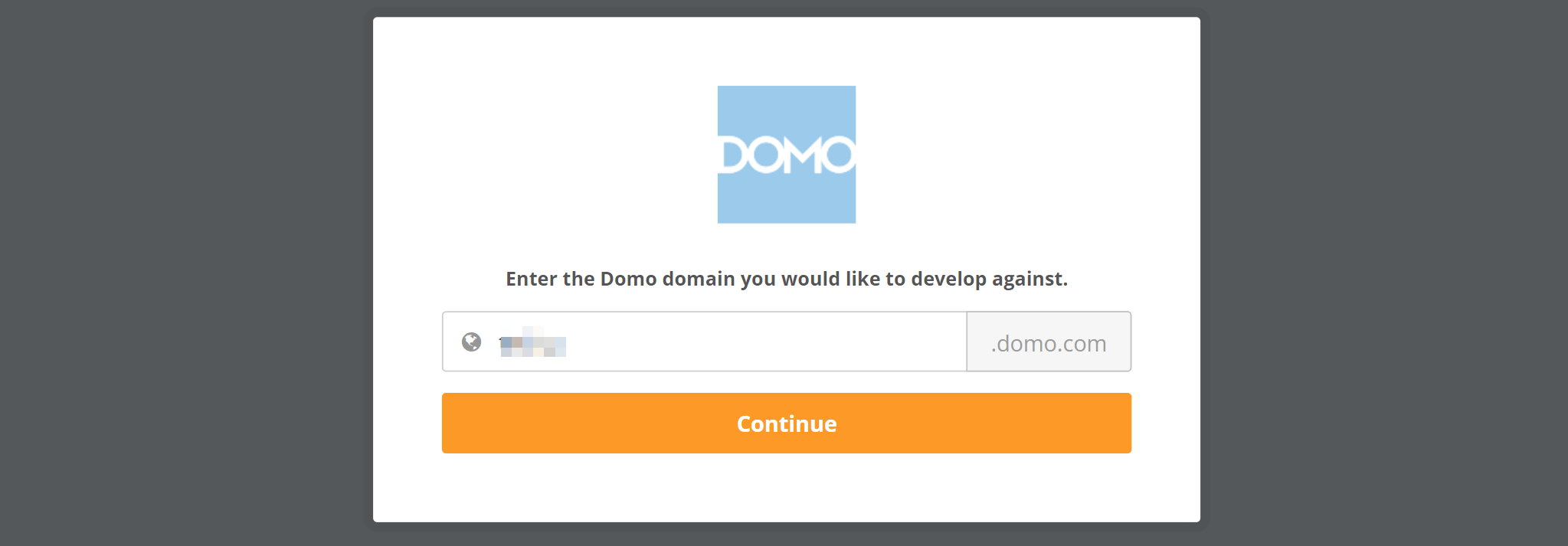
Enter your Domo domain for the account you want to connect.
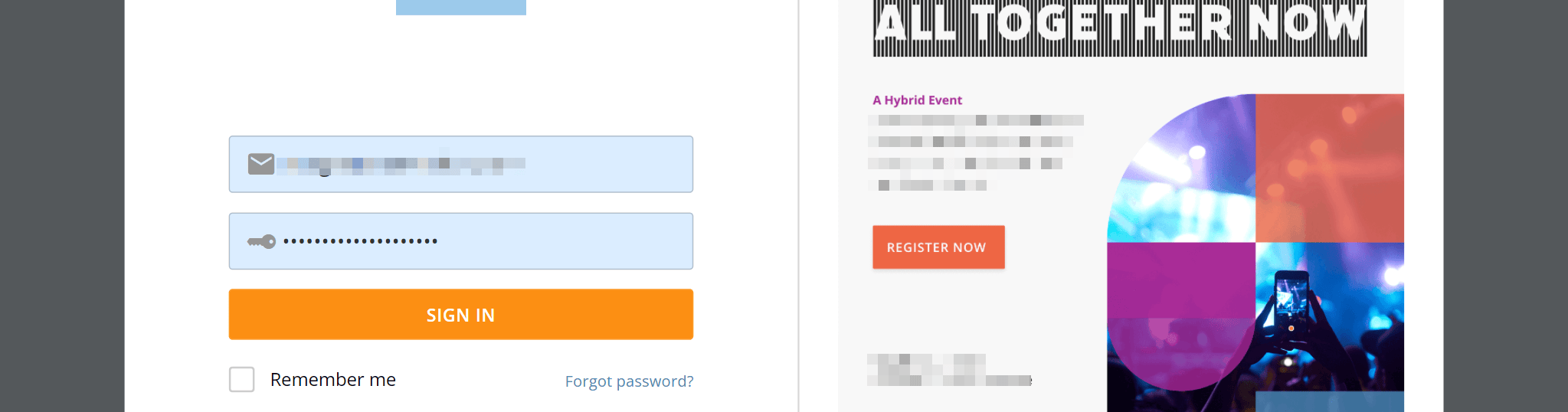
SIgn in when prompted. You must be using an administrator user account
Go to the My account menu and choose New Client:

Enter the details. The Name and Description fields are just so you can identify different connections in Domo. Use something like “1Password SaaS Manager”.
Make sure that you select the following Application Scopes:
- Account
- Audit
- User
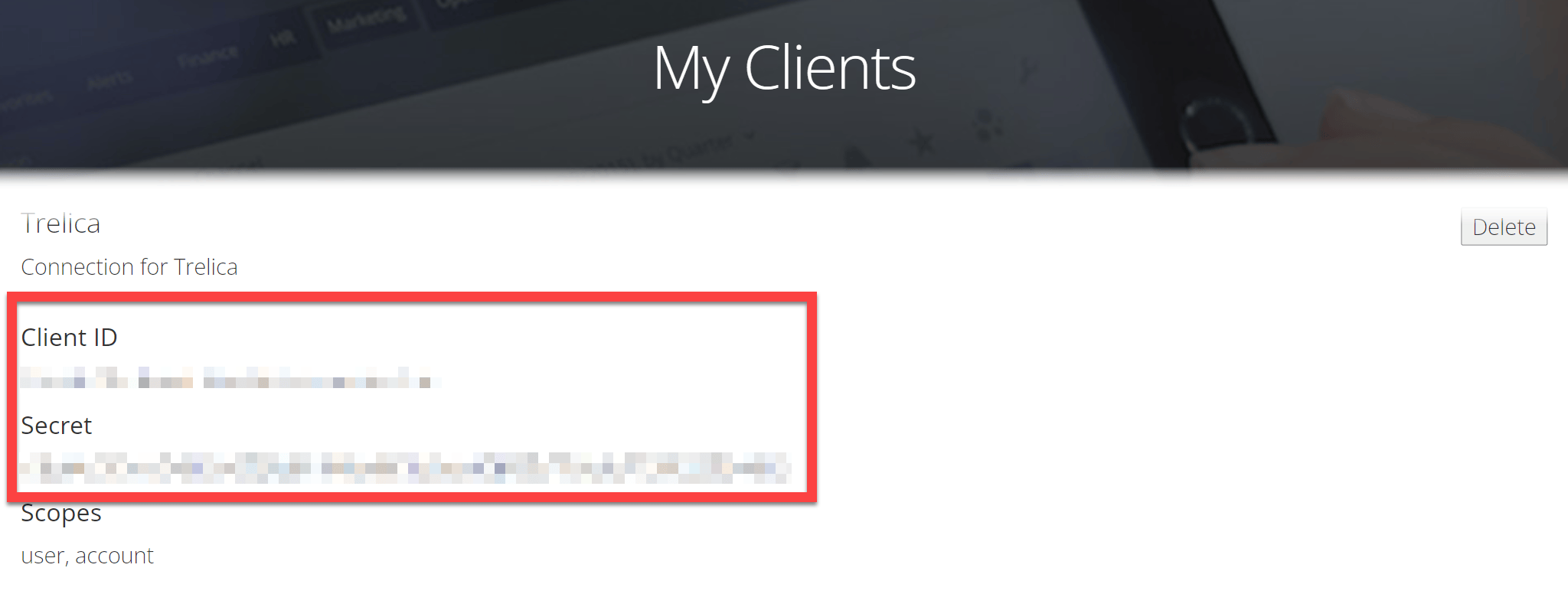
Click CREATE and you will be shown the Client ID and Secret. You will need to cut and paste these into 1Password SaaS Manager when you connect to Domo.
Was this article helpful?
Glad to hear it! If you have anything you'd like to add, feel free to contact us.
Sorry to hear that. Please contact us if you'd like to provide more details.