About the issue
1Password 7.3.705 for Windows, which was briefly available for download, required administrative privileges to install.
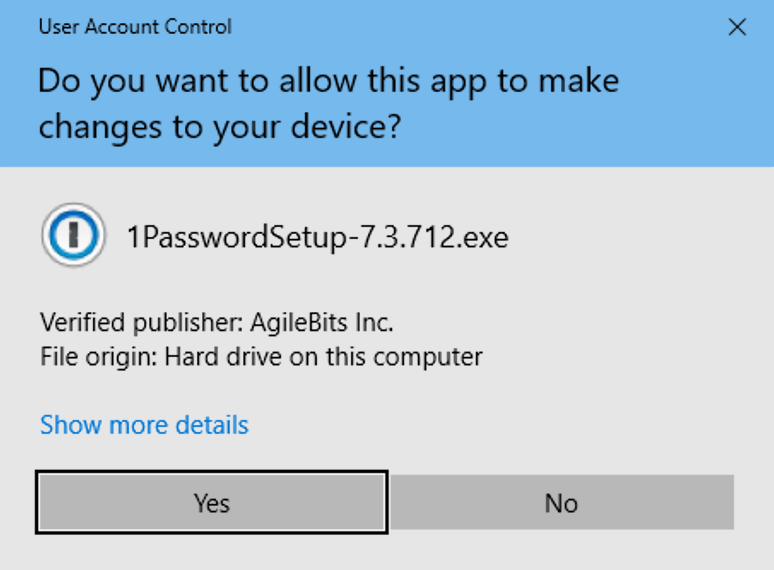
1Password 7.3.712 for Windows removes this requirement, but you may see a one-time prompt to allow 1Password to make changes to your device when you install it.
What you can do
When Windows User Account Control asks you if you want to allow 1Password to make changes to your device, select Yes. If you’re asked for your Windows administrator password, enter it.
If you see “This app has been blocked by your system administrator”, contact your system administrator.
From now on, you won’t see the prompt when you update 1Password.
Get more help
If you’re still having trouble updating 1Password for Windows, contact 1Password Support.