About the message
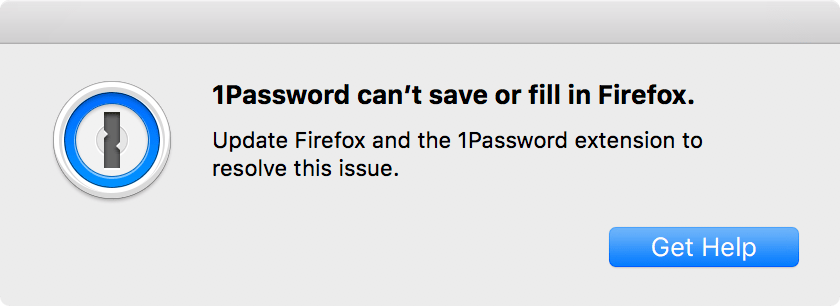
1Password 6.8 for Mac introduced a more reliable method for saving and filling in browsers called native messaging.
Native messaging improves the performance and reliability of the 1Password classic extension, especially when proxies, antivirus, and other security software would otherwise interfere with 1Password. If 1Password is unable to detect support for native messaging in your browser, you’ll see this message.
What you should do
Follow these steps to allow 1Password 6.8 for Mac to use native messaging in Firefox:
Update the 1Password classic extension:
- Select the Firefox menu and select Add-ons and themes.
- Select Extensions in the sidebar, then select
 > Check for Updates.
Make sure extensions are updating automatically and that the 1Password classic extension is 4.6.9 or later.
Restart Firefox.
If you’re still having trouble, reinstall the 1Password classic extension and restart your computer.
Get more help
If you’re still having trouble:
- Create a diagnostics report on your Mac.
- Contact 1Password Support with a description of the problem and attach the diagnostics report that you created.