Note
What is Device Trust?
Device Trust is a security tool that makes sure your computer meets your company’s security requirements.
Device Trust checks your computer for things like:
- Your operating system and internet browser are up-to-date
- Your malware protection software is working properly
- Your firewall is on
If your device fails one of these checks, then Device Trust will prevent you from signing in to your work apps until you have fixed the problem. (But don’t worry, we’ll give you plenty of warning, and always help you get unblocked.)
How will I use Device Trust?
There are a few ways you’ll interact with Device Trust: during your SSO sign-in, through our menu bar app, or through our mobile app.
Device Trust during SSO authentication
When your computer is in good shape, Device Trust doesn’t get in the way. You may see a brief moment while it checks your device for issues during the SSO sign-in process, but that’s it.
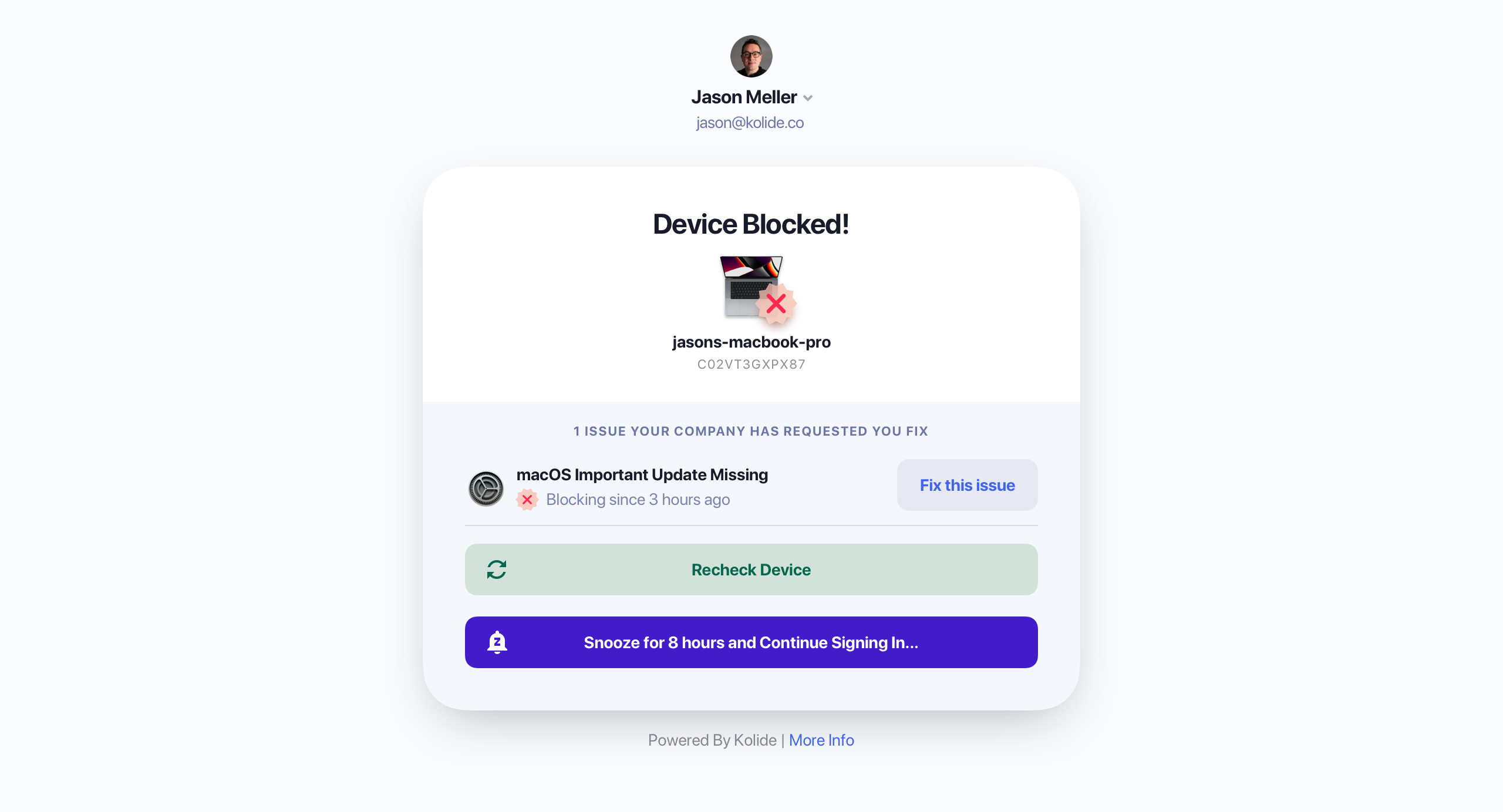
Sometimes Device Trust will find a problem and ask you to fix it before letting you sign in. Here’s an example of what that looks like.
After Device Trust is rolled out, you may need to fix a few things at first, but then you probably won’t hear from us again until it’s time to install a security update.
If you haven’t fixed an issue but you urgently need to authenticate, you can also snooze blocking.
However, you can only snooze once per week, and your IT team may disable this feature for particularly urgent issues.
The Kolide menu bar app
In between logins, Device Trust will inform you of your computer’s status on your computer’s menu bar.
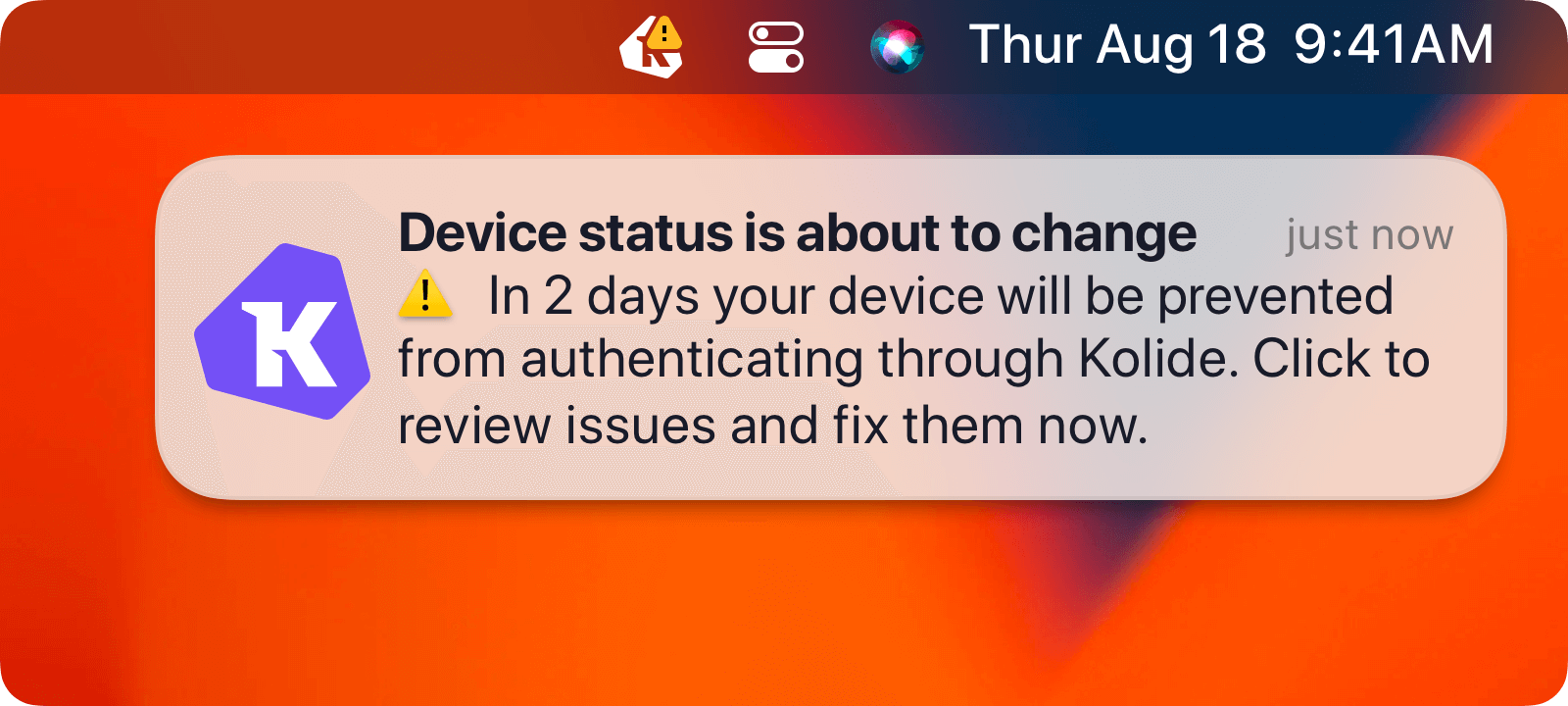
The menu bar app lets you know how long you have to fix issues before they stop you from authenticating and provides links to further documentation.
The Kolide mobile app
The mobile app plays a similar role to the menu bar app, but for logins on your mobile device.
Why does my company use Device Trust?
Most organizations have legal and contractual obligations to protect sensitive data and practice good security. This obligation includes keeping employee devices secure. However, there are many device security products that block employees from signing into work apps without explaining why and force you to contact the IT Help Desk each time you are blocked.
Your company chose Device Trust because:
- We inform you something is wrong before your computer gets blocked
- We provide well-written instructions on how to fix most problems
- We offer options to ask for exemptions and extra time
In other words, your company chose Device Trust because they care about your experience, and they want to run a security program that is effective but minimally disruptive.
What does Device Trust check for?
Device Trust checks your computer for compliance and security issues. Your company can customize what Device Trust checks for and even write their own checks, but generally, it’s things like:
- Does your computer have all the latest security patches?
- Have you restarted your web browser recently to apply the latest update?
- Are the security tools on your computer working correctly?
- Have you changed settings on your computer that might make it easier to hack?
Why can’t my company fix computer problems for me?
Your company actually fixes many computer problems for you using device management software, often without you even realizing it.
When Device Trust brings an issue to your attention, it’s because the IT team:
Cannot fix it without disrupting your day (like restarting your computer)
Wants to give you an opportunity to push back if there is a valid reason your computer has an insecure setting
Hopes to educate you about a policy you might not have known exists
Needs to address devices that aren’t enrolled in MDM
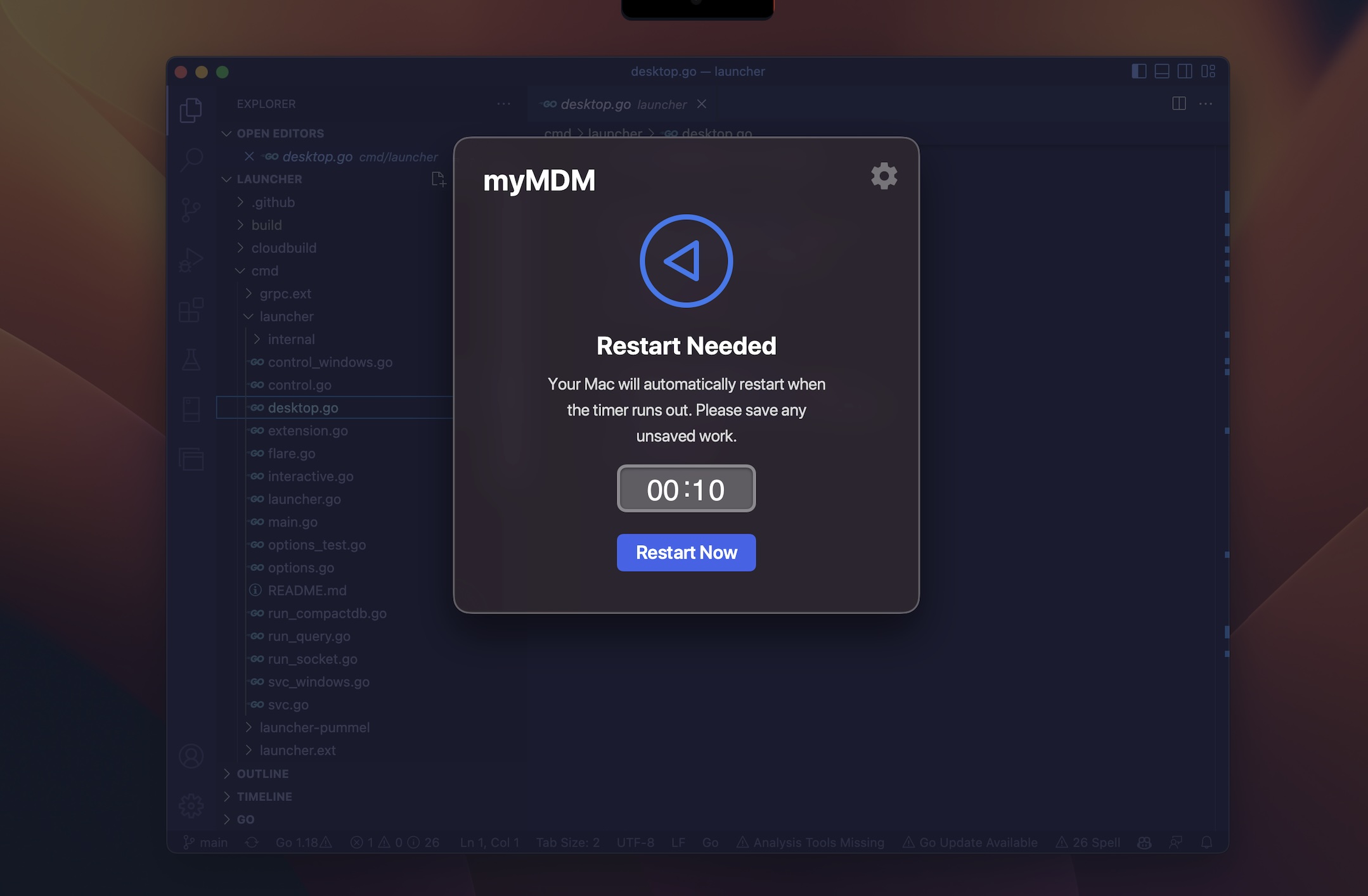
Beyond these reasons, your IT team is also looking for ways to engage with you and other employees that will scale as the company grows.
What about my privacy?
Device Trust is deeply committed to being transparent and respectful when it comes to user privacy, and that value is baked into our product at every level.
Security tools can feel invasive, and we don’t want you to have to wonder what Device Trust is capable of or how your company uses it. We’ve created a Privacy Center that allows you to see what data Device Trust is collecting from your computer, its potential impact on your privacy, and who in your company can see that data.
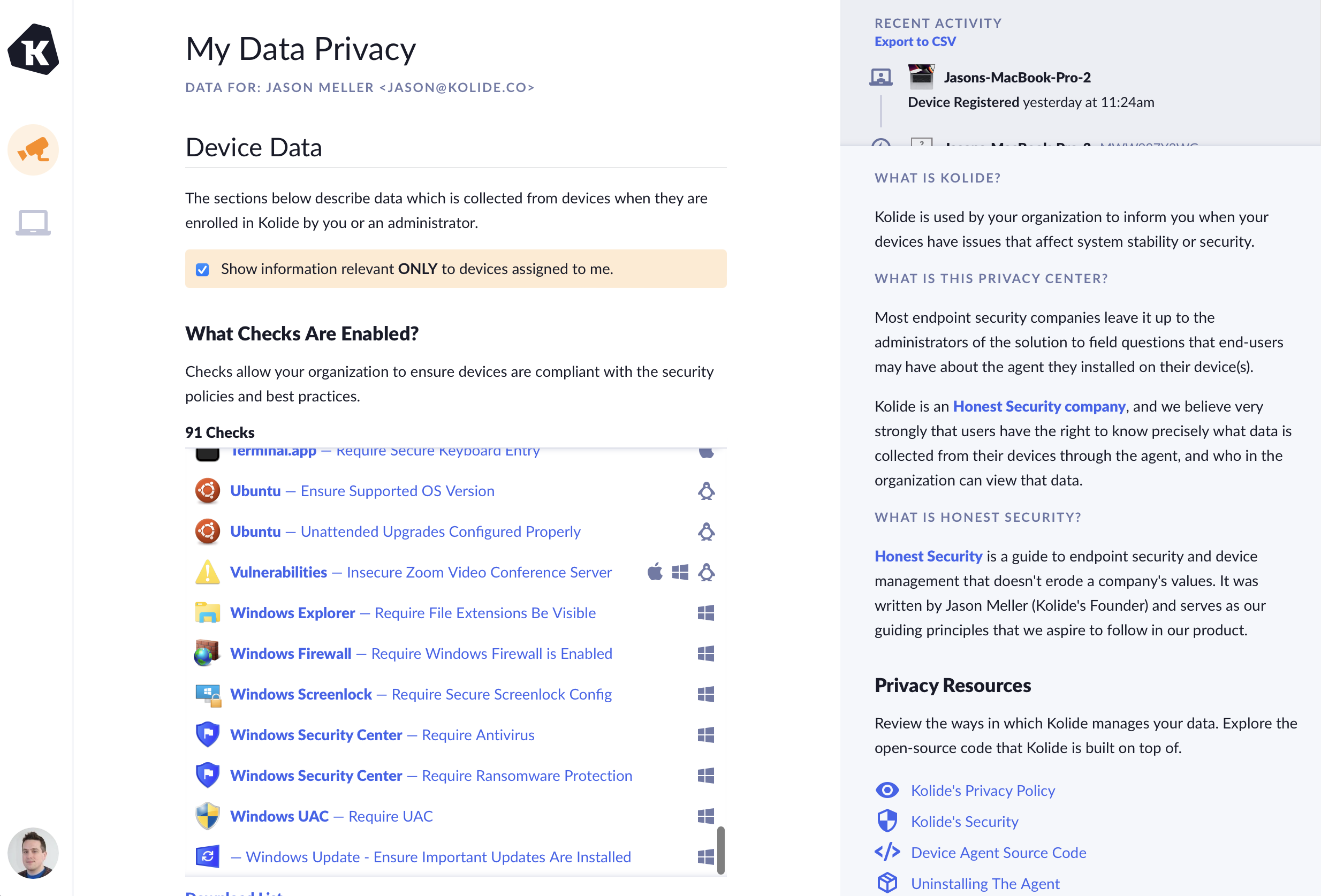
If you are interested in the philosophy that defines our approach to privacy and how we treat end-users, read our founder’s manifesto, Honest Security.
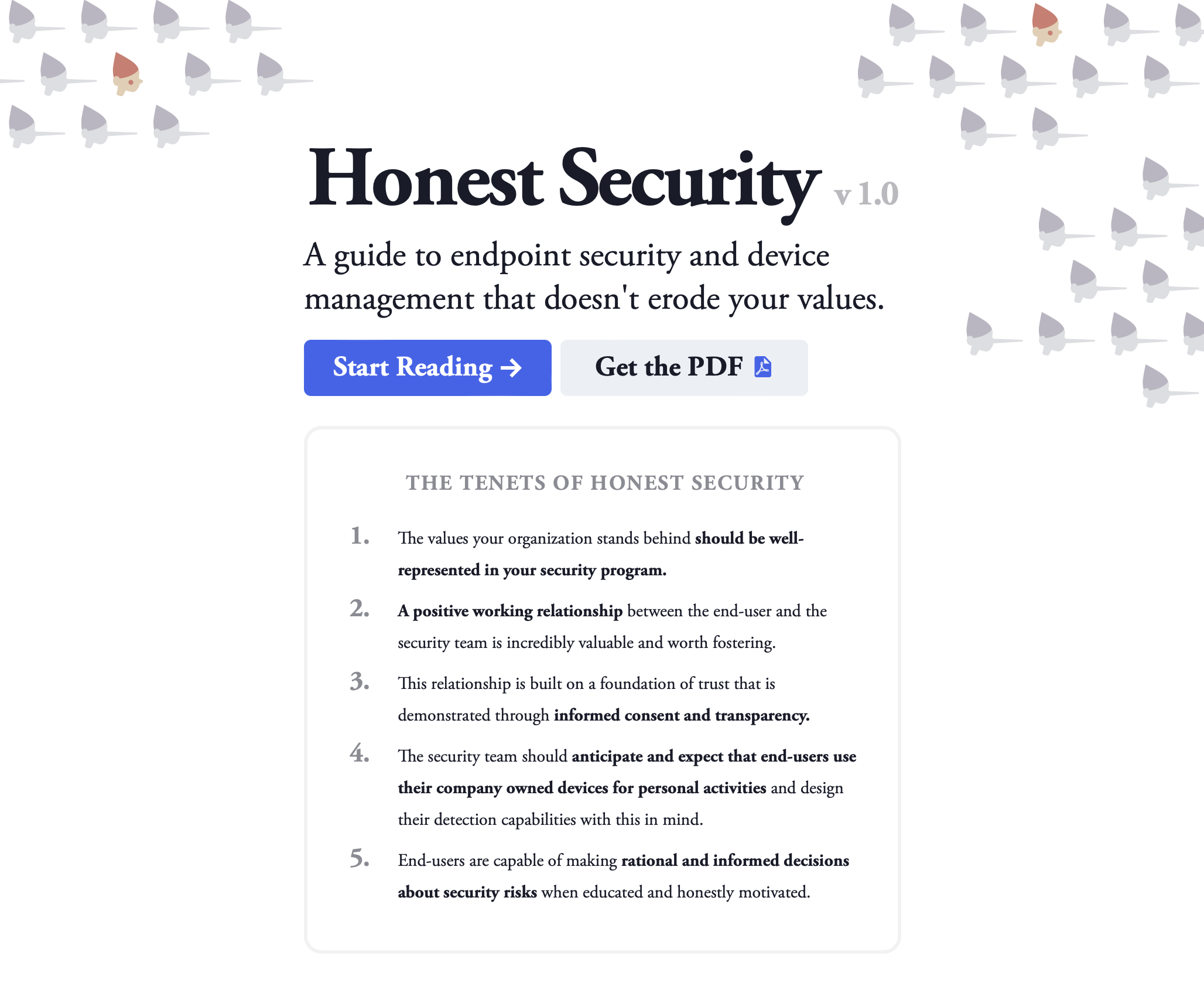
Honest Security is Device Trust’s North Star and informs how we approach questions of privacy and end-user interaction.
Was this article helpful?
Glad to hear it! If you have anything you'd like to add, feel free to contact us.
Sorry to hear that. Please contact us if you'd like to provide more details.