The My Data Privacy page allows you to view answers to the most common privacy and data-collection questions you have about Device Trust.
You can use the My Data Privacy page to understand:
- Who can access your device data
- What data Device Trust collects from your devices
- Which Checks are enabled
- Which apps are reviewed
- When your device data was recently accessed
Who can access my data?
Note
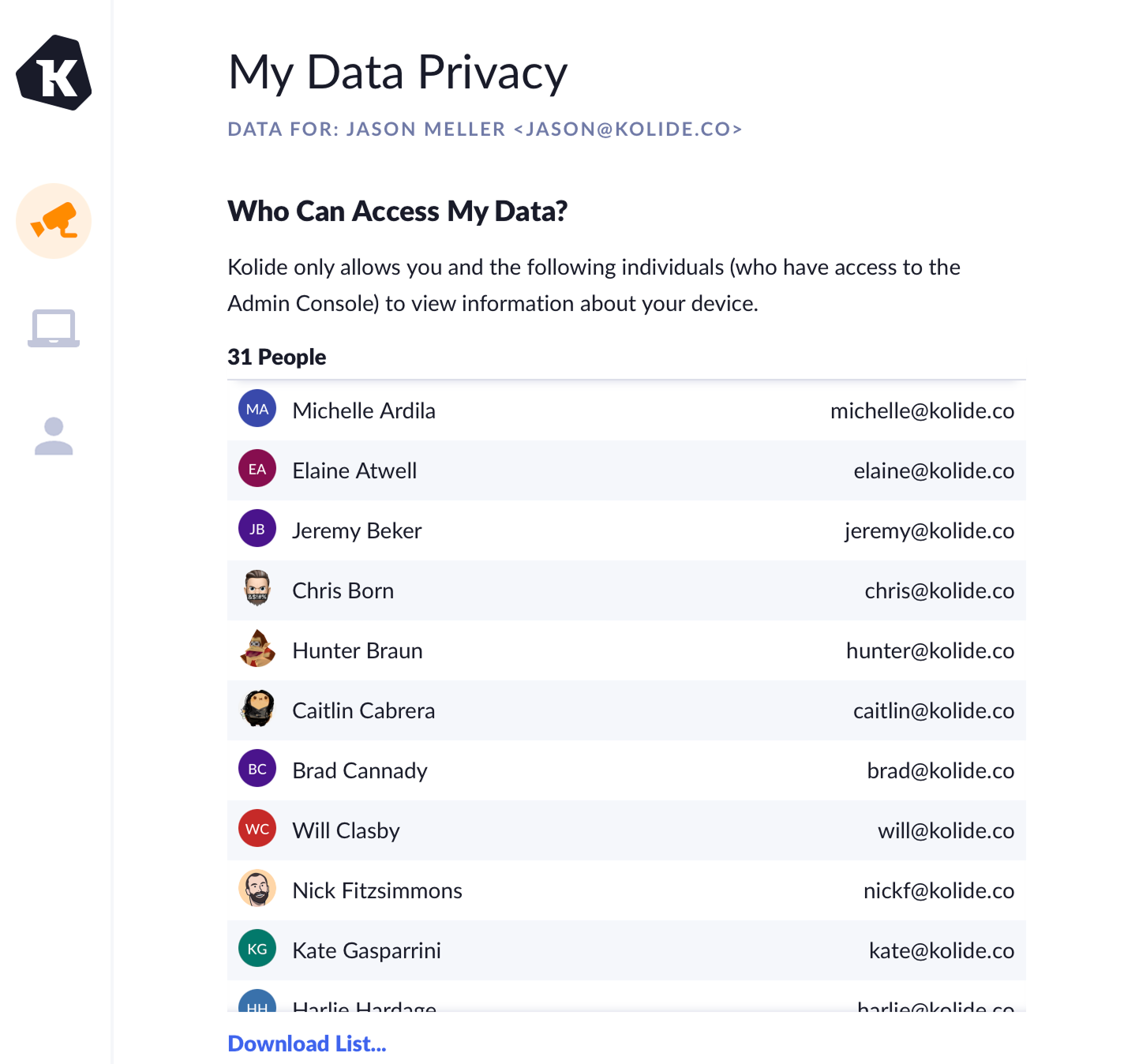
The My Data Privacy page shows a list of people in your organization who have access to view information about your device in the Admin Console. It includes each person’s name and email address. You can also download the full list.
Device data
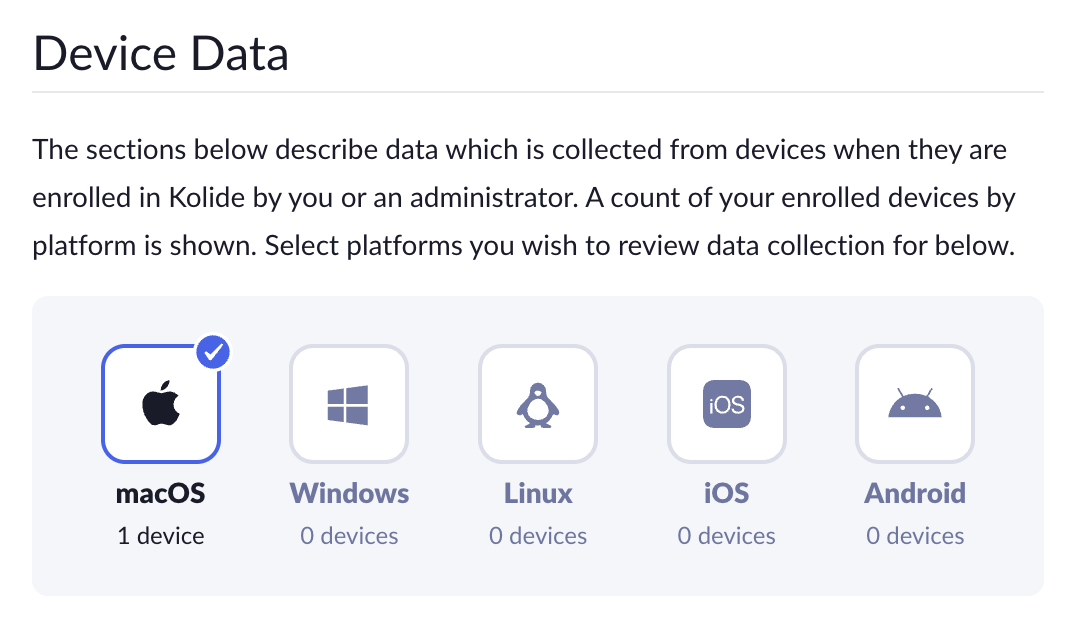
The Device Data section describes the data that Device Trust collects from enrolled devices. It helps you understand which data may be collected when you enroll a device or when an administrator enrolls a device on your behalf.
Select your device’s platform, such as macOS, Windows, Linux, iOS, or Android, to see what data is collected from that device.
What Checks are enabled?
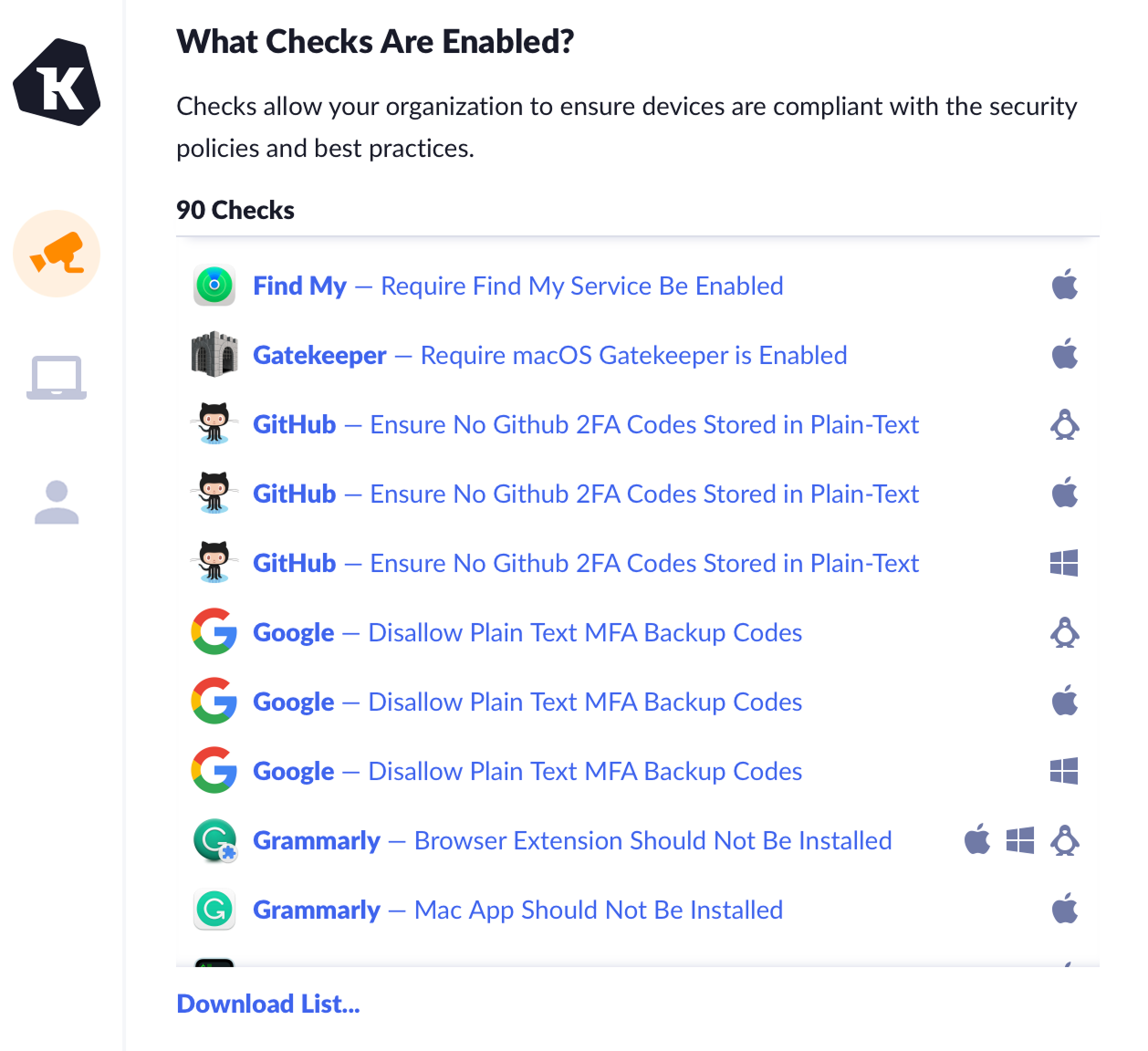
The My Data Privacy page provides a list of the Checks that your Device Trust administrators have enabled. Checks help your organization confirm that devices comply with security policies and best practices.
Each Check in the list shows the platforms it applies to. You can filter the list by platform, search it, or download the full list.
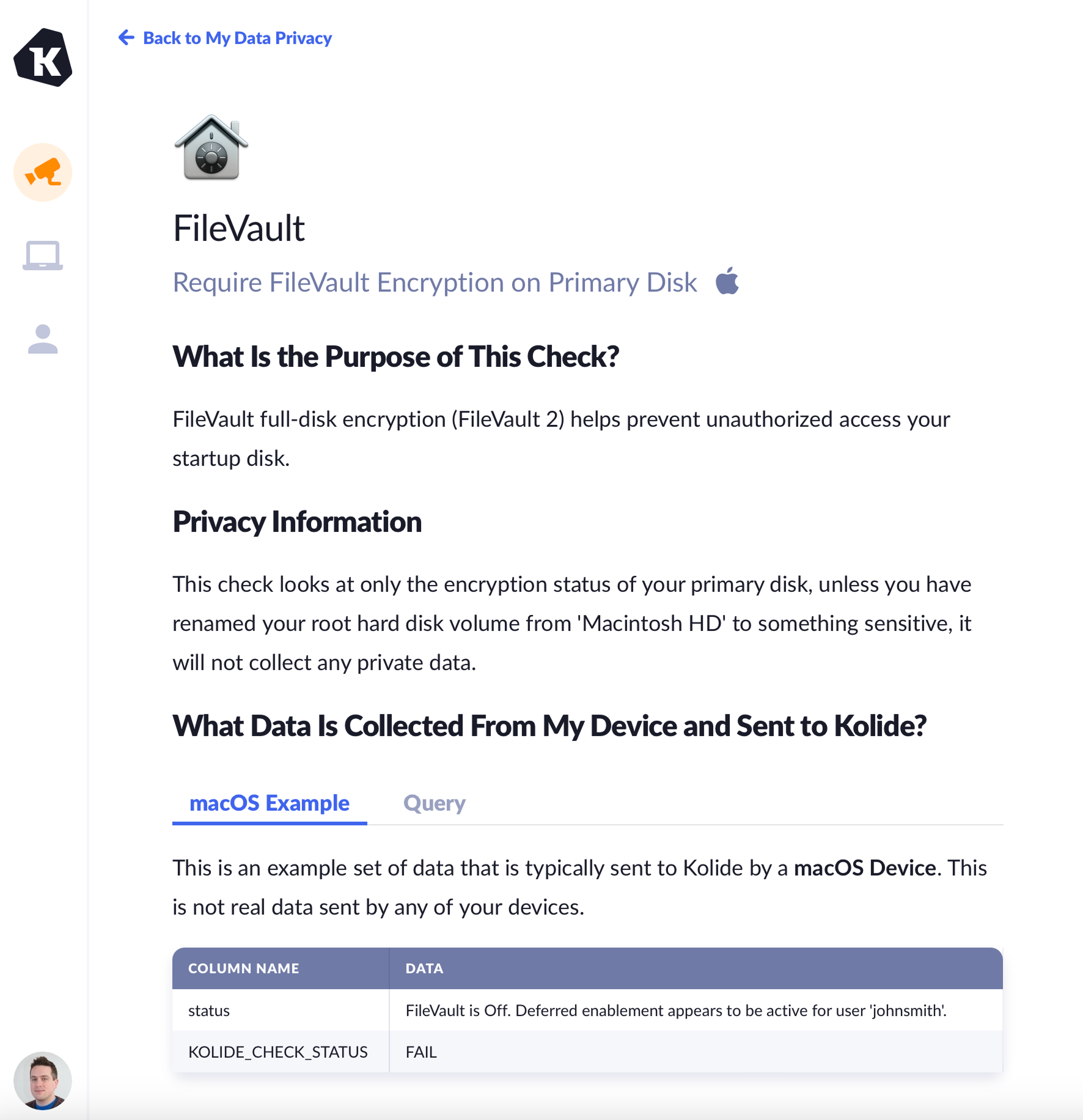
For more information about a Check, select the link to view a detailed page explaining the purpose of the Check, example data, and any potential privacy considerations.
App activity
Note
The App Activity section helps you understand which apps Device Trust reviews for work-related security and compliance purposes.
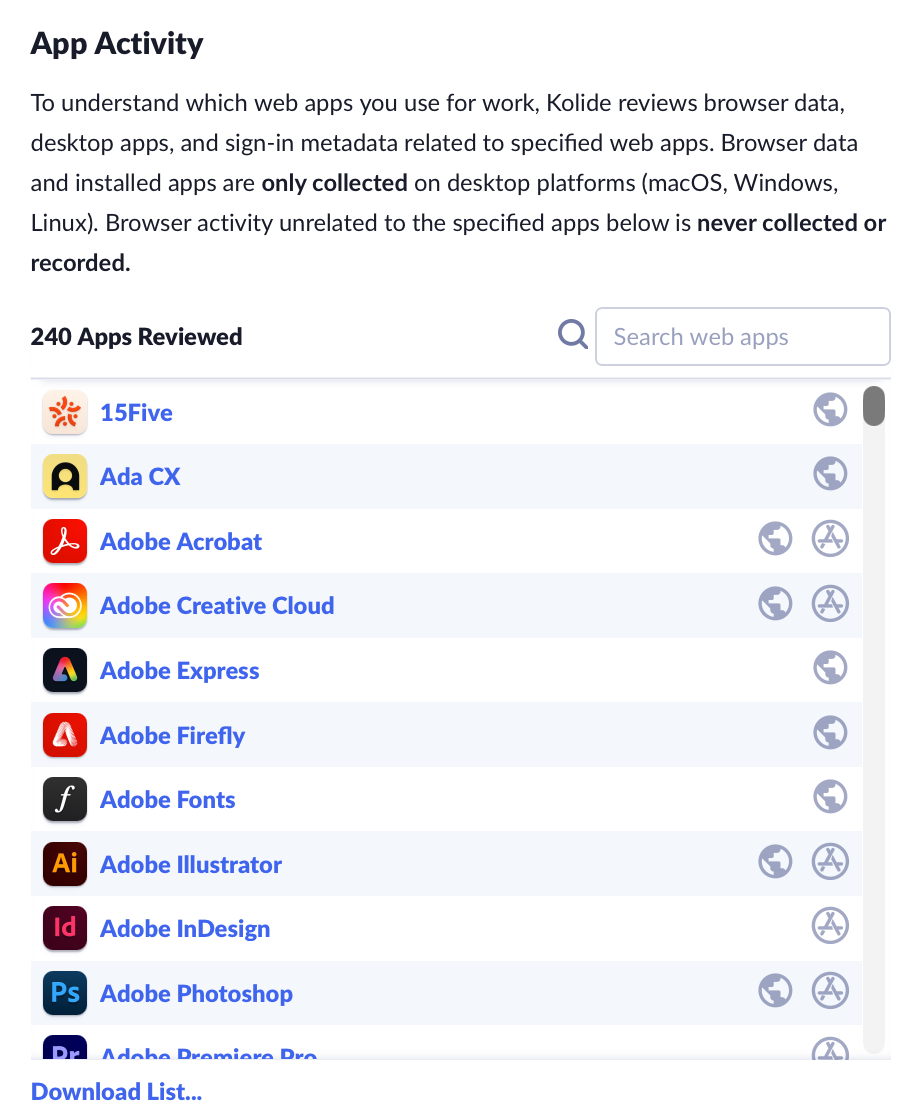
If your organization has browser activity collection enabled, Device Trust may review a count of browser visits, installations of desktop apps, and sign-in metadata related to specified apps. Browser visit counts and installed apps are collected only on desktop platforms such as macOS, Windows, and Linux.
If browser activity collection is turned off, Device Trust still reviews desktop apps you have installed on macOS, Windows, or Linux, and OAuth sign-in grants from Google Workspace for the specified apps listed in App Activity.
Browser activity unrelated to the specified apps is not collected or recorded.
You can search the app list or download the full list.
What other data is collected from devices?
This section lists additional device properties Device Trust collects from enrolled devices. Each item shows the platforms where that property may be collected.
Device properties may include:
- Configuration details
- Installed components
- Certificates
- DNS settings
- Browser extension installations
- Other security-relevant information
You can search the list or download the full list.
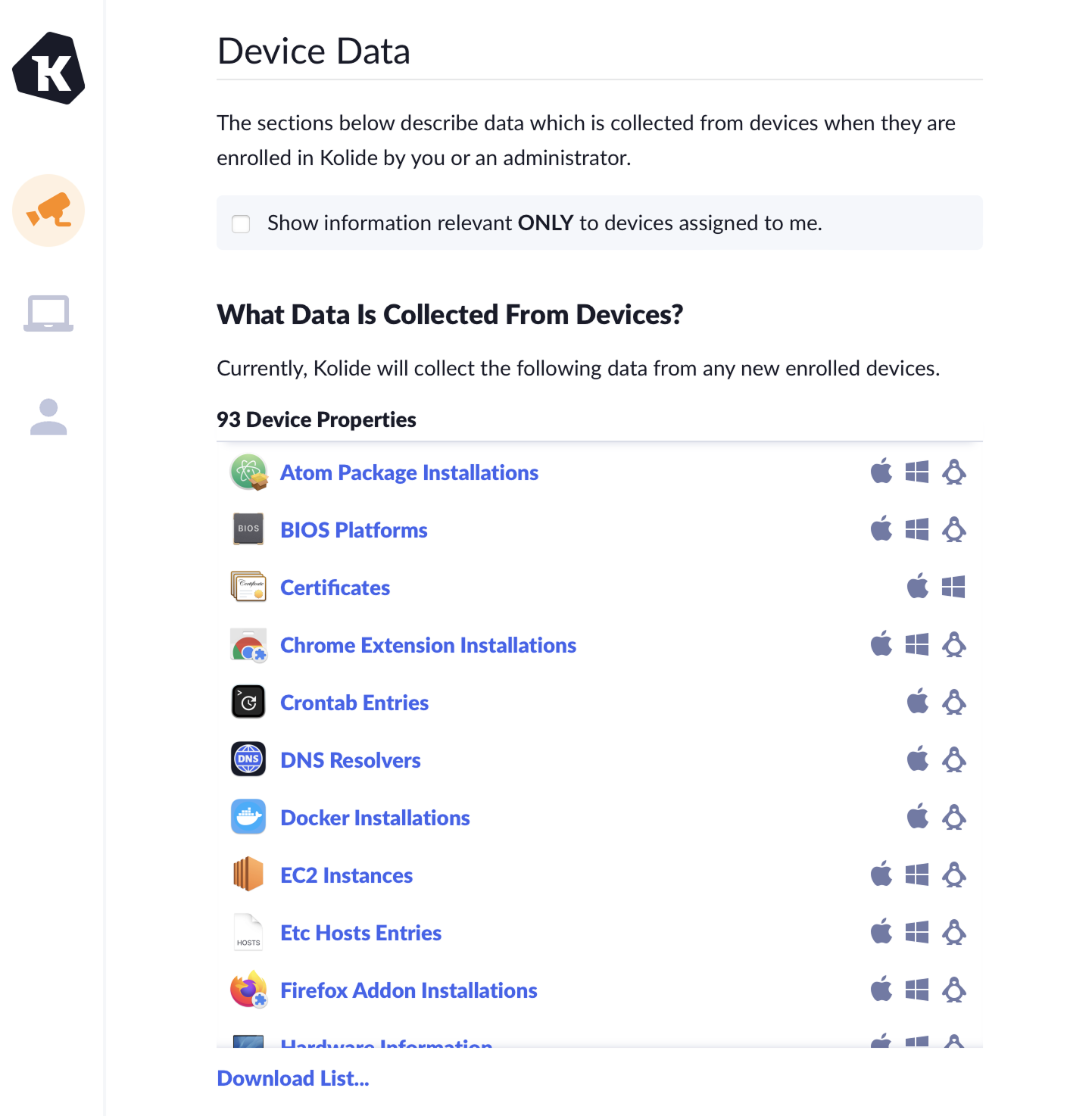
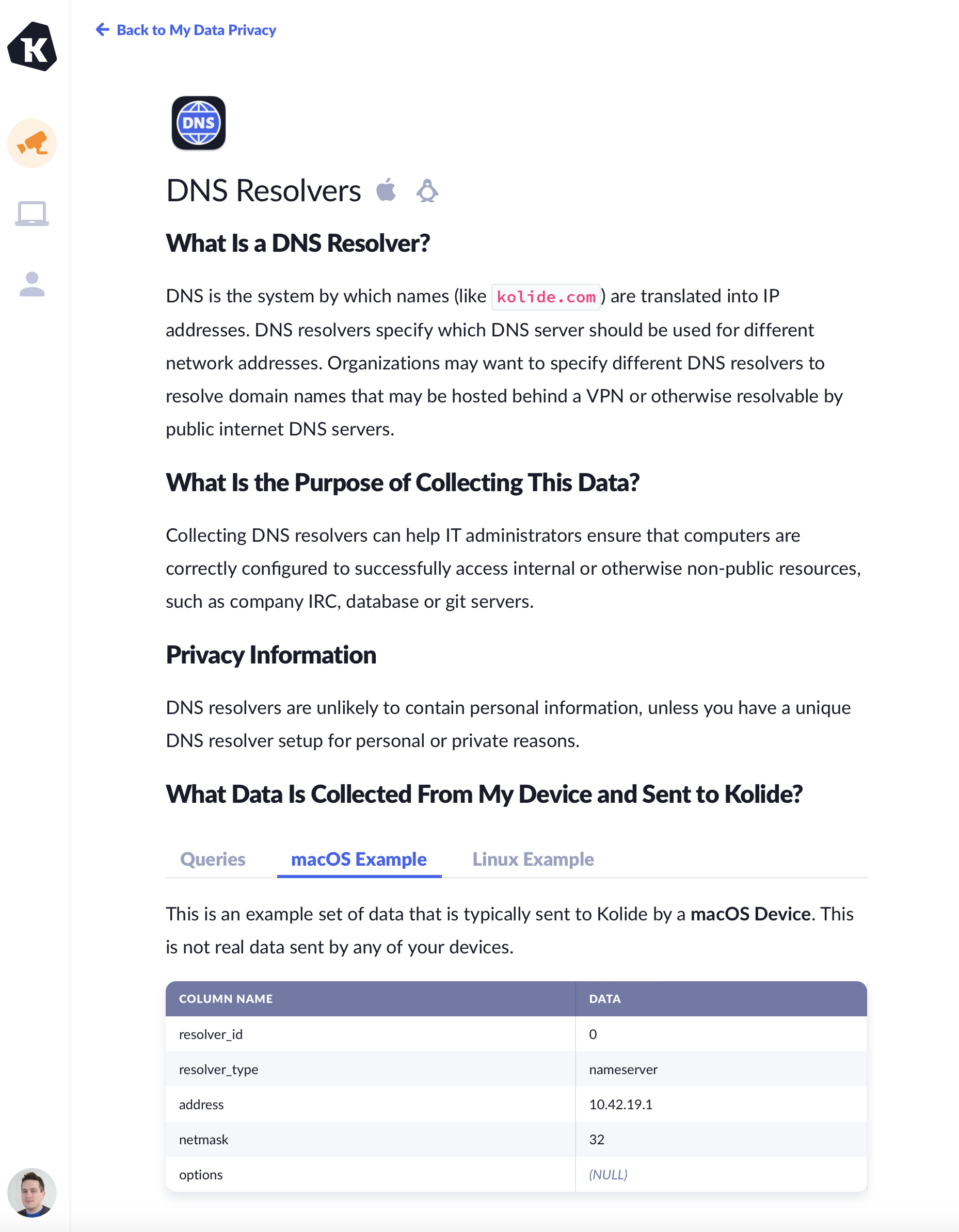
For more information about a device property, select the link to view a detailed page explaining what the device property is, the purpose for collecting it, and any potential privacy considerations.
Scheduled queries
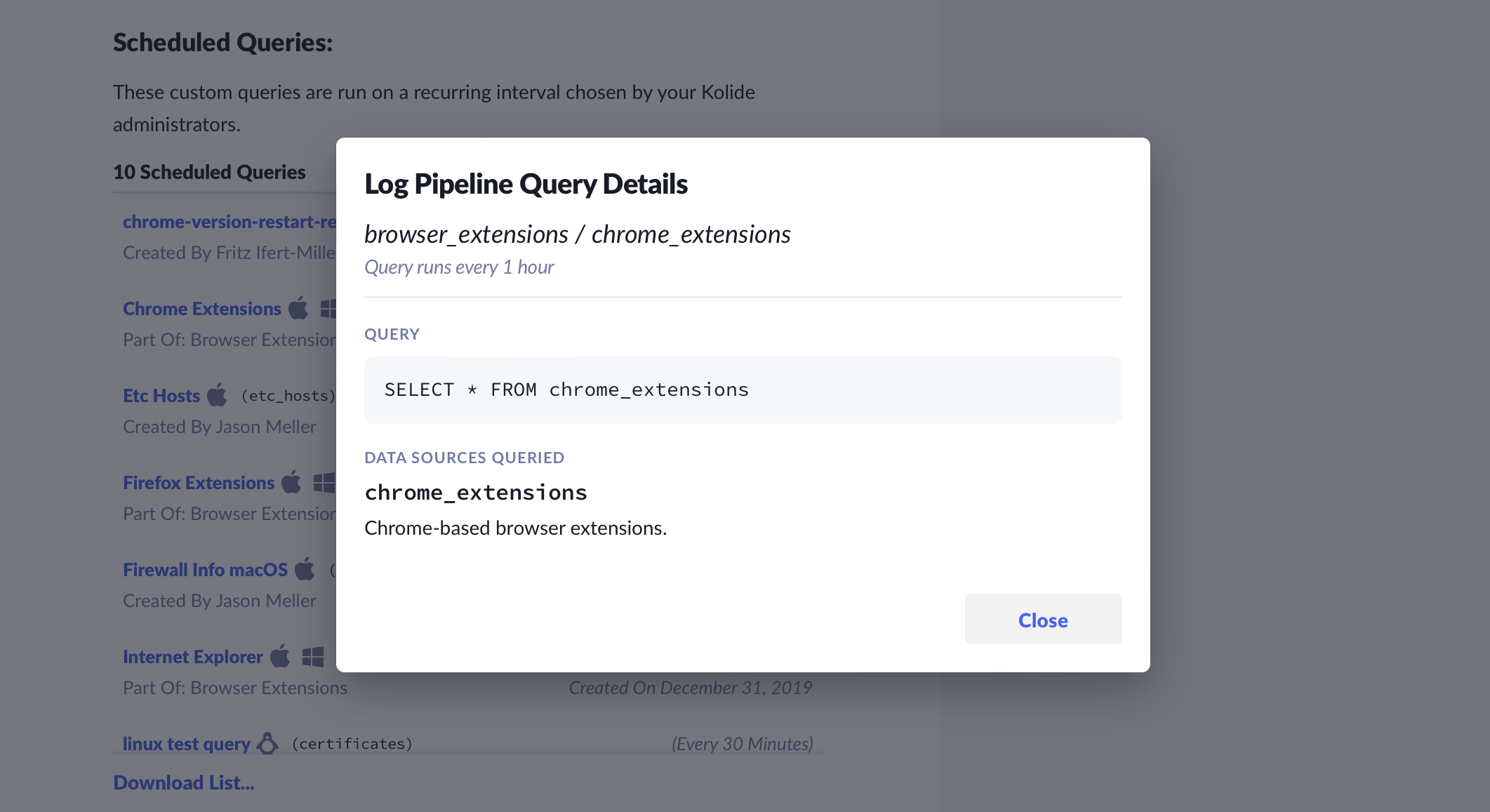
If your organization utilizes Scheduled Queries, the My Data Privacy page displays a comprehensive list of all queries running on your assigned devices and a list of queries that may be run on devices you enroll in the future.
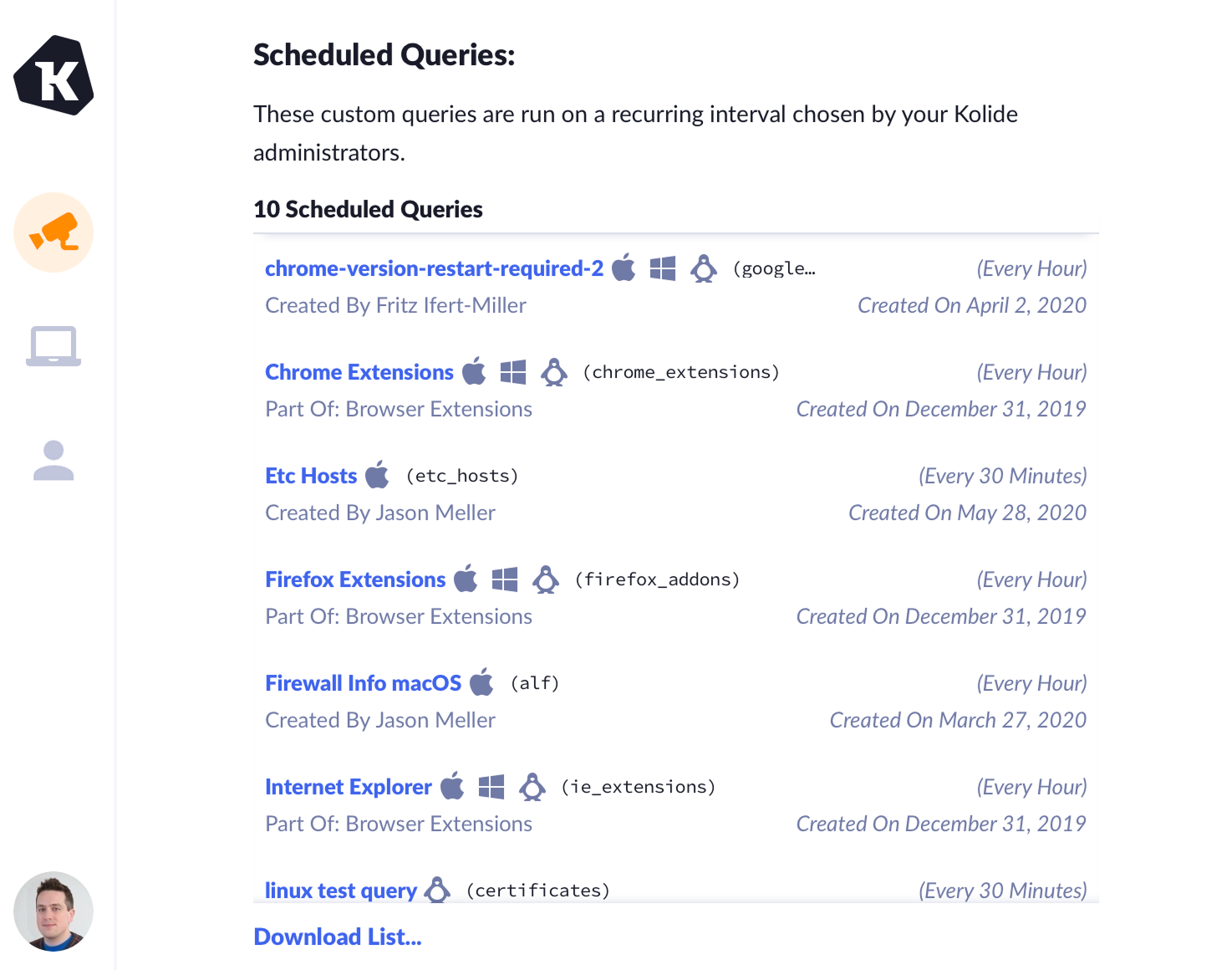
You can click a query to view additional details.
Recent activity
The My Data Privacy page displays a list of recent activity related to your registered devices. Select Export as CSV to export this activity as a CSV.
Device Trust records several event types:
- When a device is registered
- When a device is unregistered
- When a device is removed from Device Trust
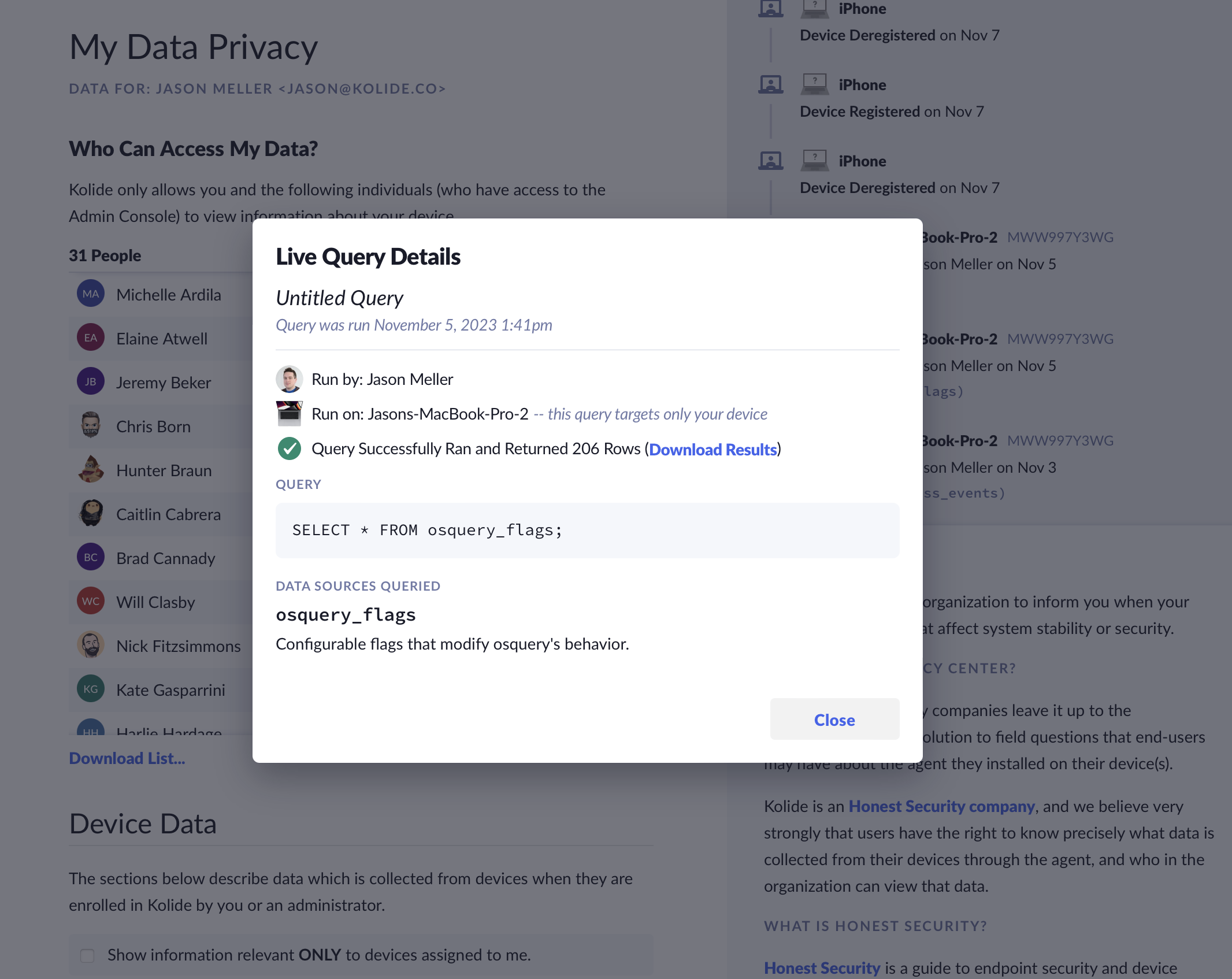
- When a Device Trust administrator runs a Live Query targeting a device registered to you, including the query and the results returned to the administrator
For example, if an administrator runs a Live Query against one of your devices, the page shows who ran the query, when it was run, which device was queried, and a summary of the data returned.
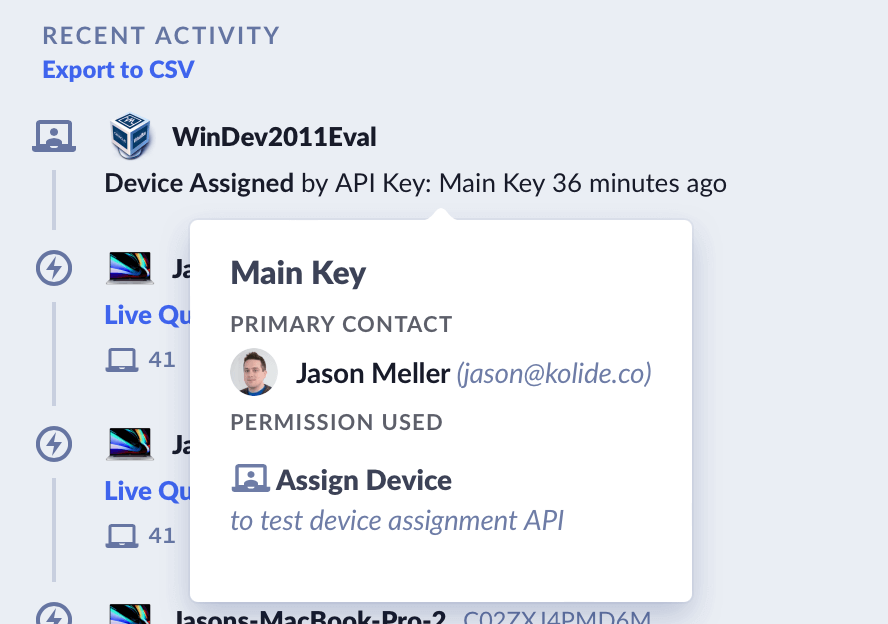
When an API key performs an auditable action, you can hover over the key name to view its primary contact and the documented explanation of how the key is used.
Was this article helpful?
Glad to hear it! If you have anything you'd like to add, feel free to contact us.
Sorry to hear that. Please contact us if you'd like to provide more details.